Payment terms
Record the agreed terms alongside the invoice.
Invoicing software · One-time packages · Digital delivery
Features
InvoiceHarbour Cloud focuses on the practical parts of invoicing administration: customers, invoice records, statuses, service items, due dates, payment notes, search and summaries.
Keep everything about a customer in one record so invoices are prepared from the same details every time.
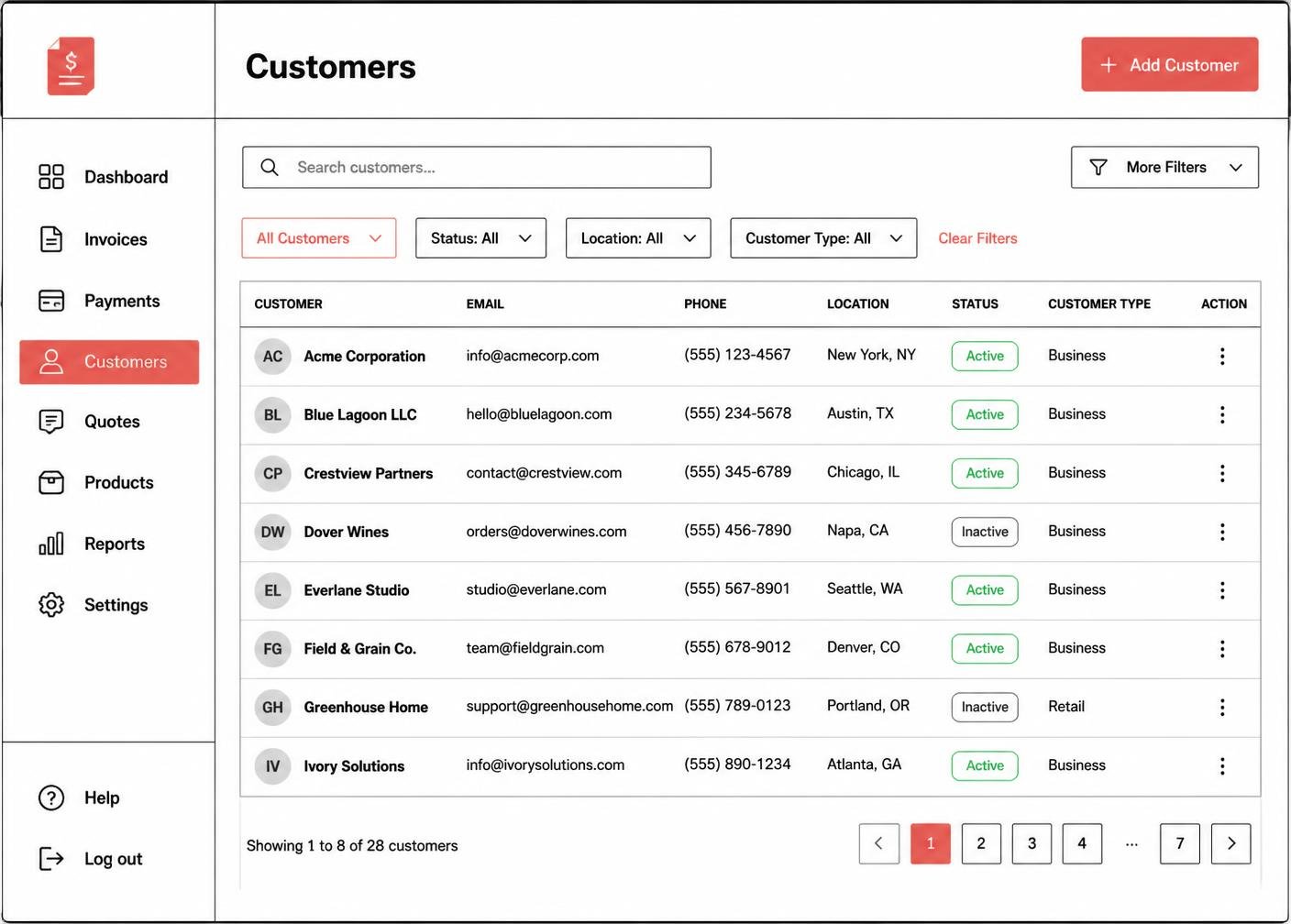 Illustrative software preview
Each invoice record keeps its own reference, dates, customer link, items and notes together.
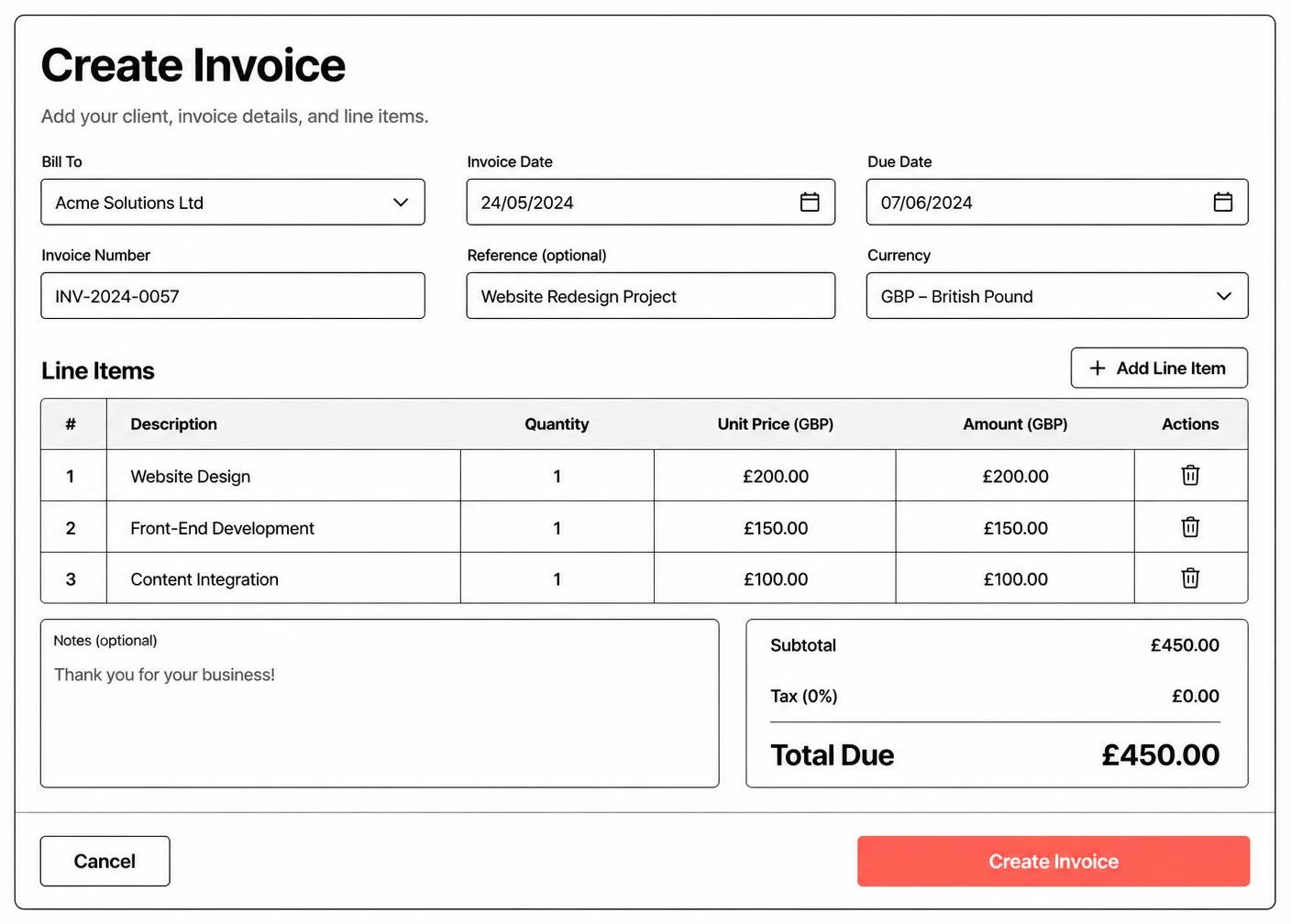 Illustrative software preview
Statuses show where each record sits without needing to open it.
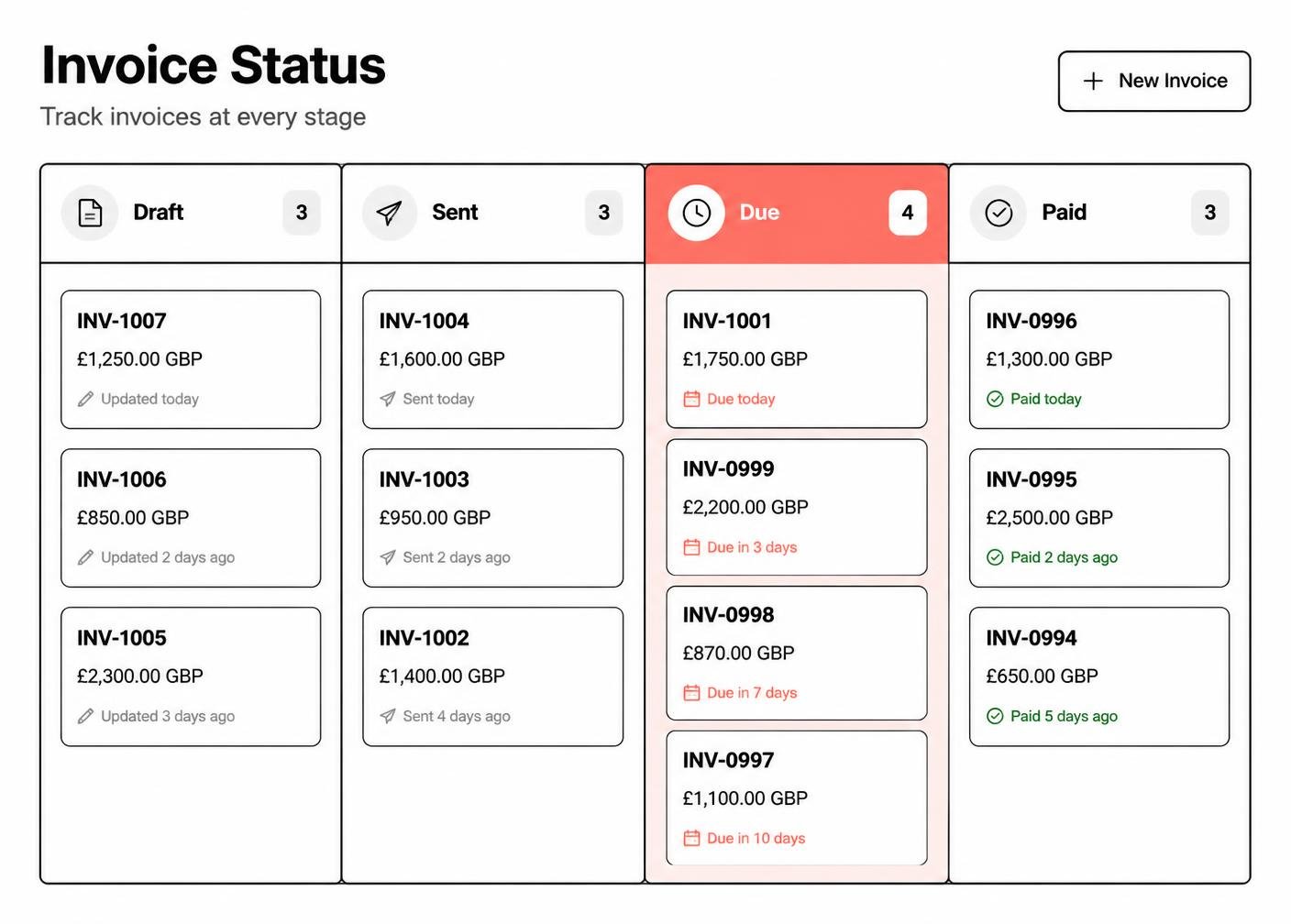 Illustrative software preview
Store the services and items you invoice most often so the details stay consistent.
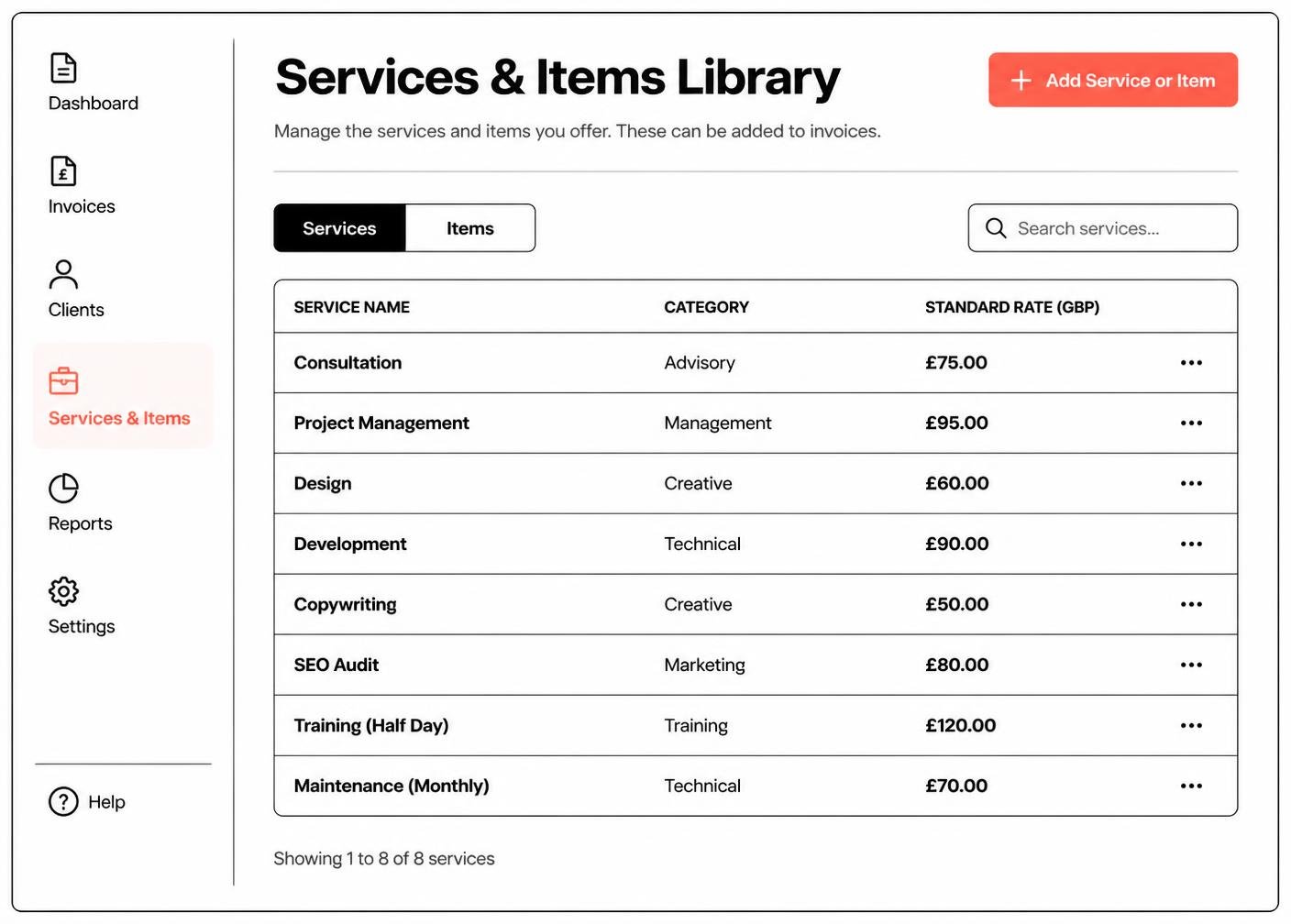 Illustrative software preview
Record payment terms and due dates against each invoice record and see which records are approaching or past their date. Due-date organisation is a record-keeping feature: InvoiceHarbour Cloud does not promise automatic reminder emails to your customers and does not chase payment on your behalf.
Record the agreed terms alongside the invoice.
See which records fall due next.
Mark records that have passed their due date.
Payment notes are organisational records you maintain yourself. InvoiceHarbour Cloud does not receive money for your invoices and does not process your customers' payments.
Record that you have received payment for the invoice.
Note part payments and what remains outstanding.
Flag records where payment has been promised but not received.
Store the reference your customer used.
Add a short private note for your own records.
Filter records by payment status at any time.
Find every record linked to one customer.
Jump straight to a reference such as INV-1024.
List only draft, sent, due, paid or overdue records.
Sort or filter by the date payment is due.
Group records by service area or invoice category.
Search notes and descriptions for a keyword.
Where the package supports it, summaries and exports help you review invoice activity.
A summary of invoice records by period.
Totals and record counts per customer.
How many records sit in each status.
Export summaries for your own records or your accountant.
Summaries are organisational outputs. They are not accounting reports, statutory accounts or tax calculations.
Compare the six InvoiceHarbour Cloud packages and choose the record capacity, workflow features and setup support that match how you invoice.