How to Organise Invoice Records Properly
A simple structure for invoice records that stays readable a year later.
Invoicing software · One-time packages · Digital delivery
How to migrate without losing history or momentum.
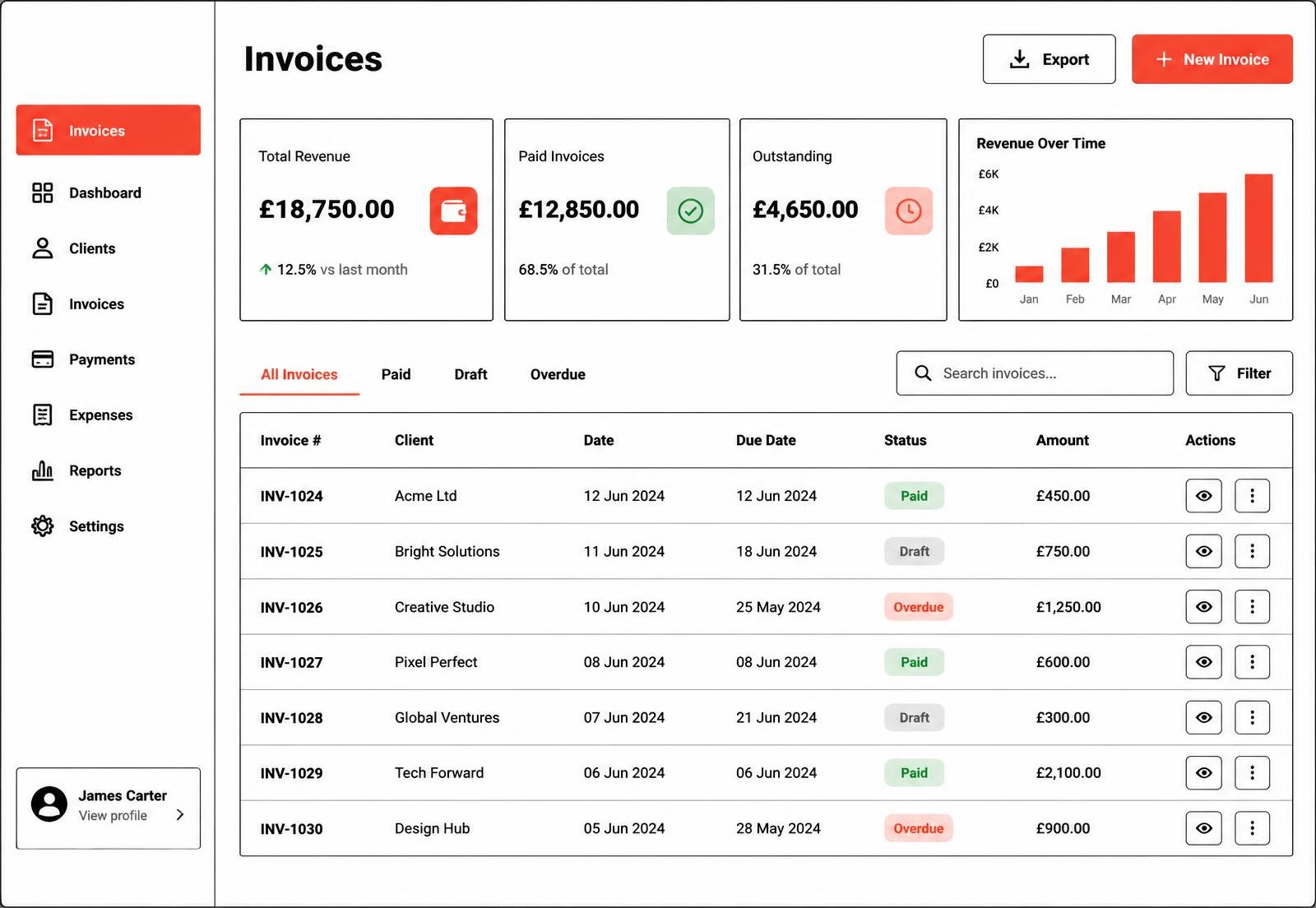
Import or enter customers first. Every invoice record depends on a customer existing, so this order avoids rework.
Move unpaid and recent records into the new workspace and keep the spreadsheet as a read-only archive for older history.
Preserving existing invoice numbers keeps your history continuous and avoids confusing customers mid-migration.
One billing cycle in parallel gives you confidence without risk. After that, close the spreadsheet for good.
Half a page describing how you now raise, send and record an invoice makes the change stick, especially if someone else ever covers for you.
Invoicing becomes easier when the structure around it is predictable. InvoiceHarbour Cloud provides that structure: a place for customers, invoice records, service items, due dates and payment notes. It organises the information; the commercial decisions remain yours.
This article is general information about business administration. It is not accounting, tax or legal advice.
A simple structure for invoice records that stays readable a year later.
Why a boring, sequential reference format is the most useful decision you will make.
Draft, sent, due, paid, overdue: what each status should actually mean.
Compare the six InvoiceHarbour Cloud packages and choose the record capacity, workflow features and setup support that match how you invoice.